
ᐅ Outdoor WiFi Access Point – Where and How to Install the UniFi FlexHD?
Created on: 13 Apr 2021 15:49
B
BananaJoe
Hello everyone,
I have another question regarding the installation of an access point, this time for the garden. Since we don’t have an eave, the access point would be fully exposed to sun, wind, and weather—but according to the Unifi FlexHD datasheet, that shouldn’t be a problem (-30 to +70 degrees Celsius (–22 to +158 degrees Fahrenheit)), right?
Would the gable be a suitable mounting location? Or would it be better a bit lower, for example, centered between the two upper floor windows? And what is the best way to run the cable outside? If I run the cable through the wall to the outside, would I still be able to attach an RJ45 connector? I’ve seen that cable suppliers offer RJ45 connectors for Cat 7 cable, but I haven’t found any without strain relief (which UniFi recommends for outdoor installation). So I was wondering if it would make sense to install a keystone jack inside and then run a patch cable through the wall?
If there is an even better or simpler option, I’m open to all suggestions!
Thank you very much!
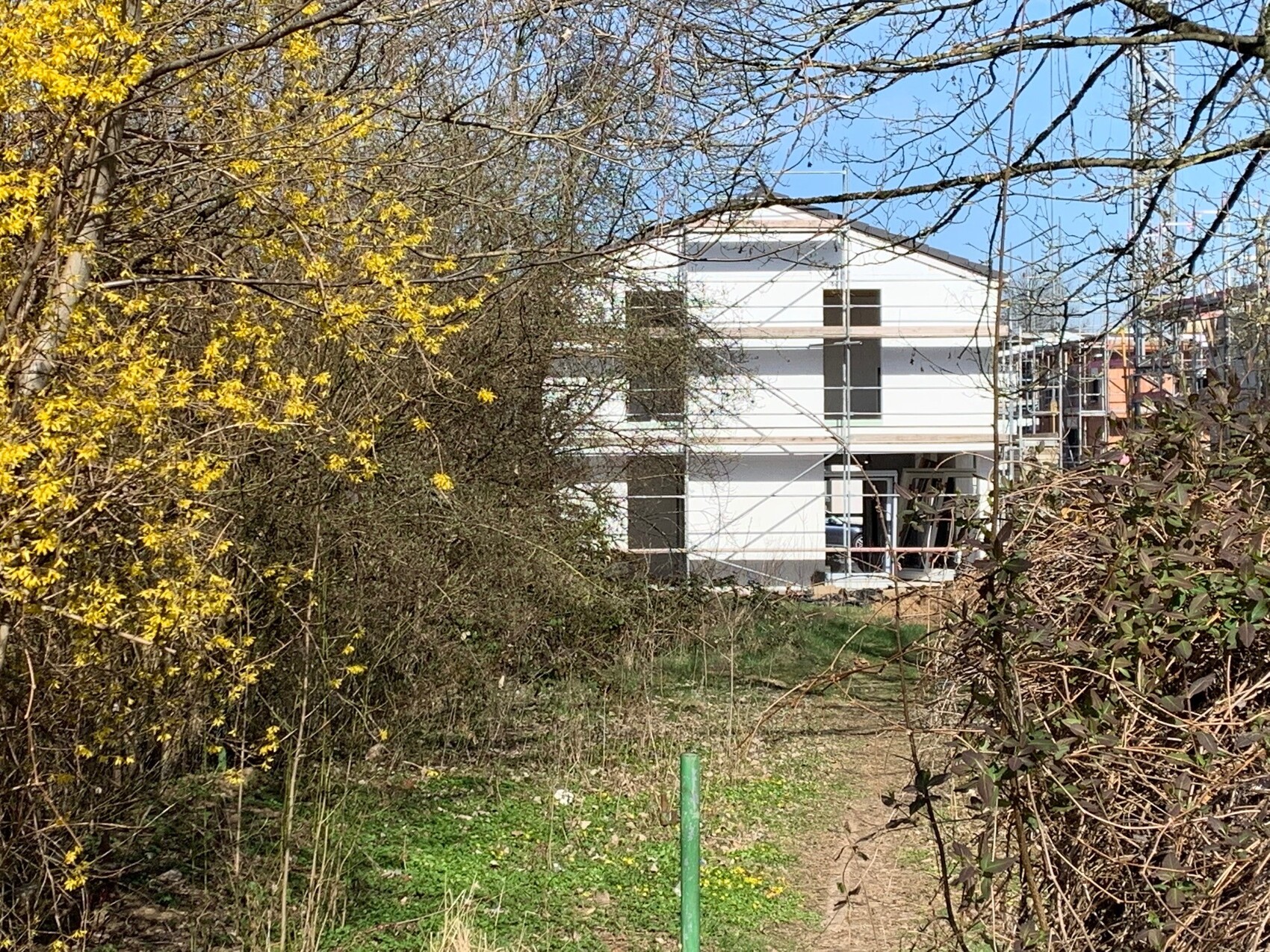
I have another question regarding the installation of an access point, this time for the garden. Since we don’t have an eave, the access point would be fully exposed to sun, wind, and weather—but according to the Unifi FlexHD datasheet, that shouldn’t be a problem (-30 to +70 degrees Celsius (–22 to +158 degrees Fahrenheit)), right?
Would the gable be a suitable mounting location? Or would it be better a bit lower, for example, centered between the two upper floor windows? And what is the best way to run the cable outside? If I run the cable through the wall to the outside, would I still be able to attach an RJ45 connector? I’ve seen that cable suppliers offer RJ45 connectors for Cat 7 cable, but I haven’t found any without strain relief (which UniFi recommends for outdoor installation). So I was wondering if it would make sense to install a keystone jack inside and then run a patch cable through the wall?
If there is an even better or simpler option, I’m open to all suggestions!
Thank you very much!


Thanks for the tip. Unfortunately, we forgot to have LAN cables run to the front terrace. During the construction phase, when we could route cables through the facade, everything went extremely fast. However, we will need to lay some LAN cables to the parking spaces anyway (for wallboxes). I’ll just add some extra ones and route them along the side of the house towards the terrace. Our balcony is also scheduled for installation this summer and will have internal drainage. We can probably run a LAN cable up through another support column to use for an additional FlexHD device. I was also planning to install a guest Wi-Fi using a freifunk router (due to liability for interference). If I can manage to position it in a visually acceptable way, I’ll take care of that at the same time.

Our electrician was strongly against running installation cables outdoors. New solution: a network socket in the garage ceiling and drilling a hole through the wall, then running a patch cable through and crimping a connector on it. Then place the access point over the hole. Done. 🙂 The cables are completely invisible.

i_b_n_a_n schrieb:
Thanks for the tip. Unfortunately, we forgot to have LAN cables installed towards the front terrace. During the construction phase, when we could run cables through the facade, everything moved extremely fast. However, we will need to install several LAN cables for the parking spots anyway (for wall boxes). I’ll just add some extra cables and route them along the side of the house towards the terrace. Our balcony will be added sometime this summer; it will have internal drainage. We can probably also run a LAN cable up through another support column and use it for an additional FlexHD. I also originally planned to install a Freifunk router (due to liability reasons) as a guest Wi-Fi access point. If I can find a way to position it in a visually acceptable way, I’ll take care of it at the same time. Freifunk is great. I’ve thought about it too. We use it at work with three access points for guests. Very cool solution.
Similar topics