
Hello everyone,
Our new semi-detached house is currently being built by the developer. Now it's time to install the electrical system, and I’m a bit overwhelmed with the topic of Wi-Fi.
Network outlets are already planned in every room. All the network cables will run together in the utility room and be connected to one device. Is this a hub? I have attached a picture.
I am considering placing one access point (AP) on the wall in the living room on the ground floor and another on the ceiling in the hallway on the first floor.
I have read that I don't need additional power outlets for the network connections. Is that correct? What device do I need to power the access points, and where should it be connected? Do the connections for the access points require standard power outlets?
Thank you in advance.
Best regards
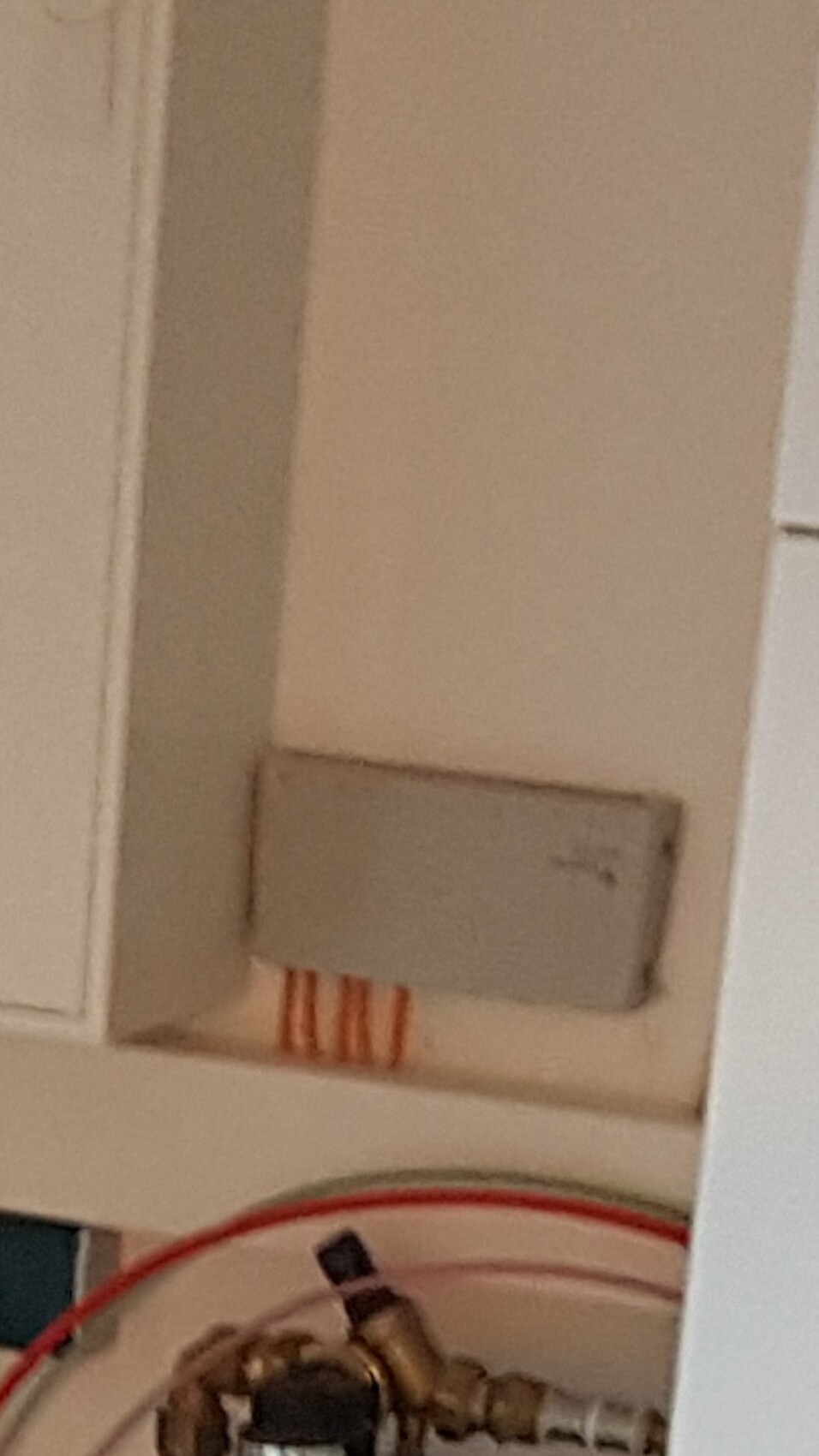
Our new semi-detached house is currently being built by the developer. Now it's time to install the electrical system, and I’m a bit overwhelmed with the topic of Wi-Fi.
Network outlets are already planned in every room. All the network cables will run together in the utility room and be connected to one device. Is this a hub? I have attached a picture.
I am considering placing one access point (AP) on the wall in the living room on the ground floor and another on the ceiling in the hallway on the first floor.
I have read that I don't need additional power outlets for the network connections. Is that correct? What device do I need to power the access points, and where should it be connected? Do the connections for the access points require standard power outlets?
Thank you in advance.
Best regards


rick2018 schrieb:
Why only one?
The Unifi devices probably won’t reach much further anyway due to the performance limitations already mentioned... Was this directed at me?
If so, I never said just one. I’m currently planning for 3-4 in the house plus exterior coverage.
But I’m not unhappy to avoid each of those ugly units wherever possible.
If it turns out that two Pros provide the same coverage as three or four nanos, then the choice is clear for me: two Pros.
If not, then three to four nanos, since they are less conspicuous.
That’s why I asked if you could specifically talk about coverage (not bandwidth).
I just have to test it myself.
Still, thanks.
rick2018 schrieb:
You just need an empty back box where the LAN cable comes out. Attach a keystone jack to the LAN cable, connect it to the access point with a short patch cable, and mount the access point on the box. Neat, simple, and better than using a socket... Well, unfortunately, I didn’t plan for the empty back box, so right now the CAT cable is just hanging from the ceiling. Probably not a problem upstairs since the ceiling there is drywall (which you can shape flexibly ;-) ), but downstairs it’s a concrete ceiling. That will probably make it a bit difficult to hide the cable installation, right?
You could create a spacer ring between the concrete ceiling and the access point. In this cavity, you can hide a short length of installation cable with a keystone module and a short patch cable. The access point will not sit flush against the ceiling, though. Someone here has already shared a similar solution before.
 untergasse4323 Aug 2021 22:33
You will probably need to either drill a hole or install a junction box, for example, ready-made options are available for cameras. It's not very neat, but that's the price for not planning ahead.
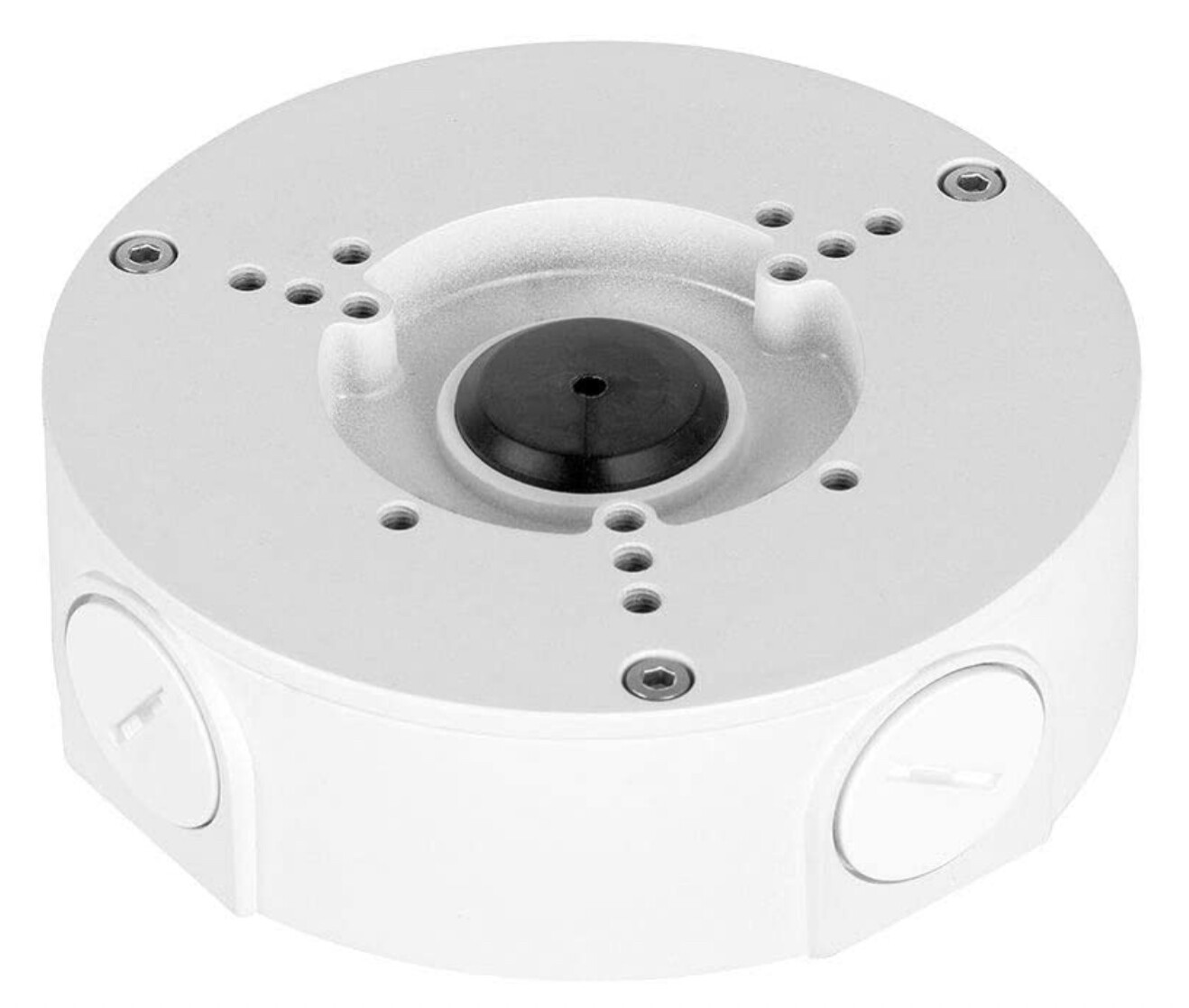
If you know someone with a 3D printer, you can also make something more attractive yourself. There are surely people on specialized forums who have already built something like this.
It's a shame the planner leaves you in such a difficult situation.
If you know someone with a 3D printer, you can also make something more attractive yourself. There are surely people on specialized forums who have already built something like this.
It's a shame the planner leaves you in such a difficult situation.

I had the same problem and solved it like this:
https://www.hausbau-forum.de/threads/lan-dosen-setzen-noch-zeitgemaess-wlan-drahtlos-ist-die-zukunft.33656/page-25#post-445713
https://www.hausbau-forum.de/threads/unifi-nanohd-an-betondecke-welche-dose-vorsehen.37011/post-500253
https://www.hausbau-forum.de/threads/lan-dosen-setzen-noch-zeitgemaess-wlan-drahtlos-ist-die-zukunft.33656/page-25#post-445713
https://www.hausbau-forum.de/threads/unifi-nanohd-an-betondecke-welche-dose-vorsehen.37011/post-500253
Similar topics