
Hello everyone,
Slowly but surely, we are getting closer to moving in.
In about 4-6 weeks, we will most likely move into our new build.
For this reason, I am gradually starting to think about the technology in my house so that I have all the necessary information in time and everything works properly.
We built with a basement — so the utility room is located in the basement.
--> Fiber optic connection from the telecom provider – 100 Mbps with Magenta Smart TV (we only watch Internet TV – no satellite connection).
--> 7 double LAN outlets installed throughout the house (1x bedroom, 2x kids’ rooms, 1x living area, 1x office, 2x access points) – so 14 individual cables.
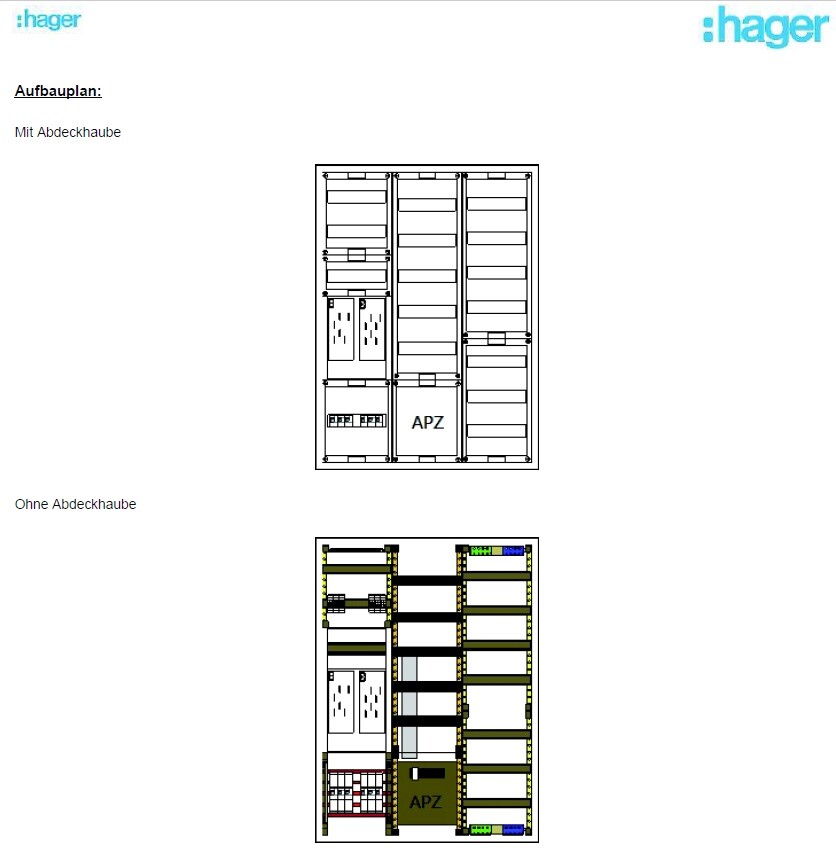
--> The distribution panel on the wall is attached (in case this is important).
Now to my questions:
1. I’m considering buying the FritzBox 7590 router because it seems to be one of the leading models on the market right now and has received very good reviews. I haven’t had good experiences with Speedports in the past, but the FritzBox has always left a positive impression.
– Does this make sense?
2. Is a router alone enough for this setup? It seems to me that there are too few ports on the router, so I definitely need a switch, correct?
I only know switches from LAN parties years ago and don’t have much experience with them. When connecting router <--> switch, do I lose any speed?
– If a switch is needed, what should I pay attention to when buying one? Are there any models you have had good experiences with?
3. Access points – how does this work? I am currently a bit unsure because I only had LAN cables pre-installed in the walls in the ground floor and attic hallway areas for the access points. Is that sufficient? How is the access point powered? Is it enough to simply plug this cable into the switch or the router? Is that even possible?
So: which cables should connect to the router, and which should go to a switch?
I would appreciate a simple explanation! I don’t need a high-end solution… There are currently and will be just two of us living in a very large house, no kids into gaming or anything like that… I just want reliable Wi-Fi throughout the house (since we have concrete ceilings) and good streaming of my Internet TV.
Additionally:
Are there any mounting options for switches or routers? At the moment, I don’t see any space for them in my distribution panel 😀
Slowly but surely, we are getting closer to moving in.
In about 4-6 weeks, we will most likely move into our new build.
For this reason, I am gradually starting to think about the technology in my house so that I have all the necessary information in time and everything works properly.
We built with a basement — so the utility room is located in the basement.
--> Fiber optic connection from the telecom provider – 100 Mbps with Magenta Smart TV (we only watch Internet TV – no satellite connection).
--> 7 double LAN outlets installed throughout the house (1x bedroom, 2x kids’ rooms, 1x living area, 1x office, 2x access points) – so 14 individual cables.
--> The distribution panel on the wall is attached (in case this is important).
Now to my questions:
1. I’m considering buying the FritzBox 7590 router because it seems to be one of the leading models on the market right now and has received very good reviews. I haven’t had good experiences with Speedports in the past, but the FritzBox has always left a positive impression.
– Does this make sense?
2. Is a router alone enough for this setup? It seems to me that there are too few ports on the router, so I definitely need a switch, correct?
I only know switches from LAN parties years ago and don’t have much experience with them. When connecting router <--> switch, do I lose any speed?
– If a switch is needed, what should I pay attention to when buying one? Are there any models you have had good experiences with?
3. Access points – how does this work? I am currently a bit unsure because I only had LAN cables pre-installed in the walls in the ground floor and attic hallway areas for the access points. Is that sufficient? How is the access point powered? Is it enough to simply plug this cable into the switch or the router? Is that even possible?
So: which cables should connect to the router, and which should go to a switch?
I would appreciate a simple explanation! I don’t need a high-end solution… There are currently and will be just two of us living in a very large house, no kids into gaming or anything like that… I just want reliable Wi-Fi throughout the house (since we have concrete ceilings) and good streaming of my Internet TV.
Additionally:
Are there any mounting options for switches or routers? At the moment, I don’t see any space for them in my distribution panel 😀
rick2018 schrieb:
Yes, he means installing a 19" patch panel.Alright. Can you recommend something for my DIGITUS 19" cabinet? Can I just use any standard 19" patch panel with 24 ports?
Do I also need any mounting hardware for it?
There is a patch panel from deleyCON for Cat6 for just under €50.
Or should I definitely go for CAT7 patch panels? Cat7 cables are installed, but from the current perspective, a CAT6 patch panel should be sufficient, right?
A quick tip would be great, then I’ll order everything right away and install it over the weekend!


So, I’ll join the discussion here.
Ubiquiti UniFi is often recommended. Is there any truth to that? They look pretty nice visually, but what about price versus performance?
I’ve heard it’s sensible to stick with one brand for everything in a setup, at least from the switch to the access points. Is that correct? The Ubiquiti 24-port switch is already insanely expensive...
Ubiquiti UniFi is often recommended. Is there any truth to that? They look pretty nice visually, but what about price versus performance?
I’ve heard it’s sensible to stick with one brand for everything in a setup, at least from the switch to the access points. Is that correct? The Ubiquiti 24-port switch is already insanely expensive...
Forget about Magenta TV without IT knowledge.
We have Unify in several properties. It offers great value for money.
It is centrally managed. VLANs and so on are quite easy to set up.
However, please use the entire system from the router to the switch and all the way to the access points.
But for users like @Prager91, it is only partially suitable.
We have Unify in several properties. It offers great value for money.
It is centrally managed. VLANs and so on are quite easy to set up.
However, please use the entire system from the router to the switch and all the way to the access points.
But for users like @Prager91, it is only partially suitable.
rick2018 schrieb:
Use Cat 7. That way, you won’t have any bottlenecks in the future.Alright – I’ll get the deleycon 24-port patch panel for Cat 7, designed for 19-inch rack mounting in a server rack. It should fit my network cabinet, right?
I just need to make sure that:
- it’s suitable for rack mounting
- the 19-inch patch panel matches the 19-inch network cabinet
Then it will always fit, correct?
Similar topics