
Hello,
we need to decide soon on the number of network outlets required throughout the house.
Basically, we agree on where to place outlets (living room, office, children's rooms, bedroom...) for connecting stationary devices.
However, I am a bit unsure about what exactly needs to be planned to ensure good Wi-Fi coverage on both floors.
What I find online about this topic is beyond my current understanding.
Would it be possible to simply install one network outlet centrally on each floor and connect a device there to extend the signal? What kind of device would that be?
(I have often read about access points.)
Looking forward to some beginner-friendly advice. Thank you very much.
we need to decide soon on the number of network outlets required throughout the house.
Basically, we agree on where to place outlets (living room, office, children's rooms, bedroom...) for connecting stationary devices.
However, I am a bit unsure about what exactly needs to be planned to ensure good Wi-Fi coverage on both floors.
What I find online about this topic is beyond my current understanding.
Would it be possible to simply install one network outlet centrally on each floor and connect a device there to extend the signal? What kind of device would that be?
(I have often read about access points.)
Looking forward to some beginner-friendly advice. Thank you very much.
Skip installing junction boxes in the hallways for the access points. From the utility room, we installed 25mm (1 inch) empty conduit pipes into the ceiling of the basement, ground floor, and attic hallways, and pulled CAT7 cables through them.
Now, flush-mounted on the ceiling, there are Ubiquiti UniFi Access Point Lite units running on PoE (adapter included!). These support mesh networking and basically have everything you need and more...
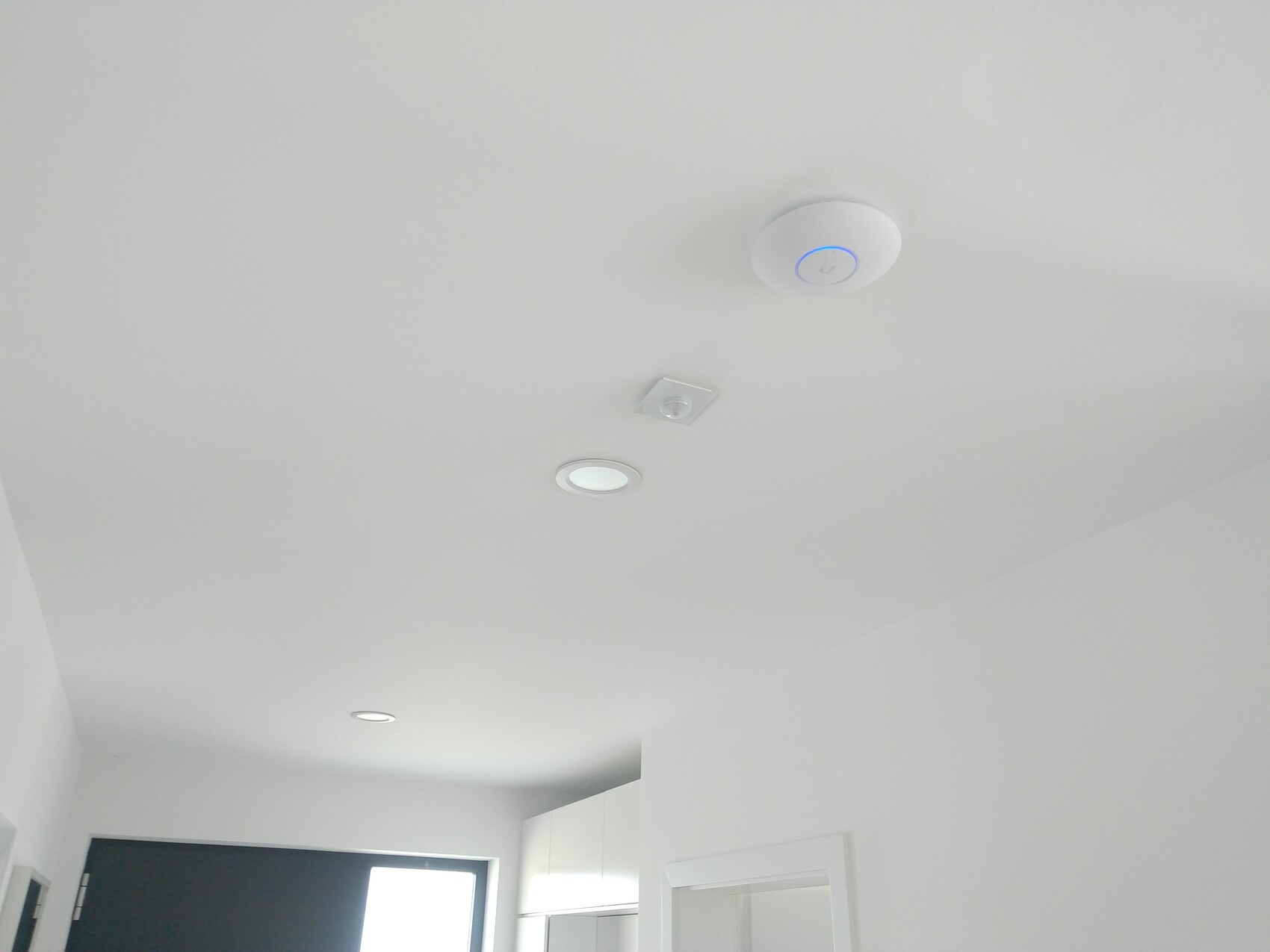
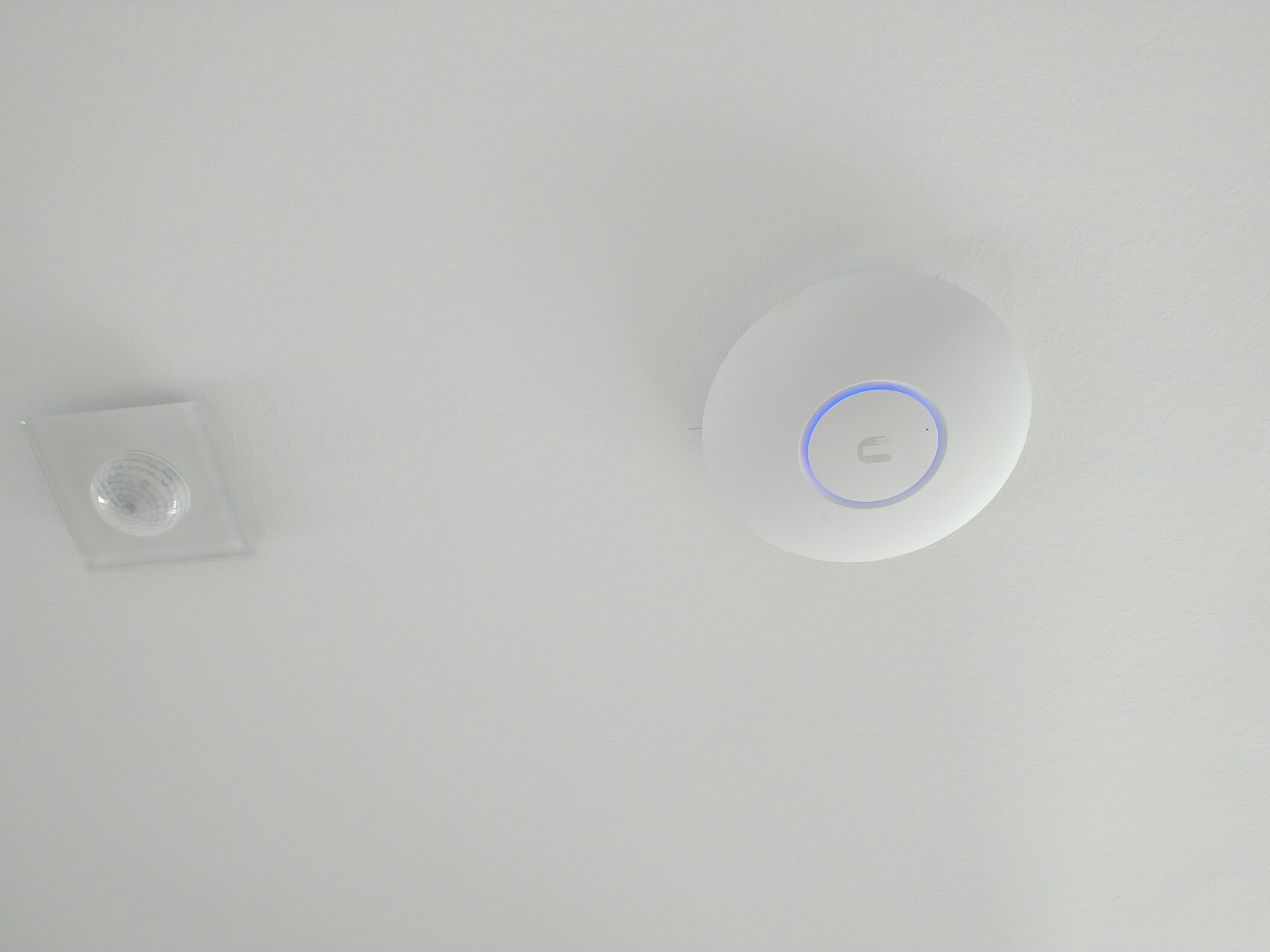
Now, flush-mounted on the ceiling, there are Ubiquiti UniFi Access Point Lite units running on PoE (adapter included!). These support mesh networking and basically have everything you need and more...
@ivenh0 quick off-topic question: I have the same devices and plan to mount them on the ceiling in the new build. However, I have concerns about the light. I see you have it turned on—does that not bother you at night?
I know it can be switched off, but then I wouldn’t know if the device has failed or if there is a configuration error (once an access point disappeared from management after an update and couldn’t be found again until the management software was completely reinstalled).
I know it can be switched off, but then I wouldn’t know if the device has failed or if there is a configuration error (once an access point disappeared from management after an update and couldn’t be found again until the management software was completely reinstalled).

Fuchur schrieb:
@ivenh0 quick off-topic question: I have the same devices and plan to mount them on the ceiling in the new build as well. However, I’m a bit concerned about the light. I see you have it turned on—doesn’t it bother you at night?
I know you can switch it off, but then if there’s a failure, I wouldn’t know if the device is broken or if there’s a configuration error (once, after an update, an access point disappeared from the management system and couldn’t be found until the management software was completely reinstalled). Who would be bothered by the light at night in the hallway?
It can also be used as an orientation light.
For us, the LED doesn’t bother at all.
Well, my idea was: with the LED, at least I can see if power and network are present. Without the LED, where do you start looking for the fault? As I said, one of mine worked once, but it was no longer detected by the controller and couldn’t be found in the search. No error message either. But alright, then I’ll plan to install it on the ceiling and turn the LED off.
Similar topics